

Introduction
In the fast-paced world of 2026, collaborative writing tools have become indispensable for teams striving for efficiency and creativity. With the rise of remote work and digital collaboration, these tools are not just about writing—they’re about transforming how we create and share content. This guide explores the top collaborative writing tools of 2026, highlighting their features, usability, and unique selling points.
Overview of Top Collaborative Writing Tools in 2026
Planable
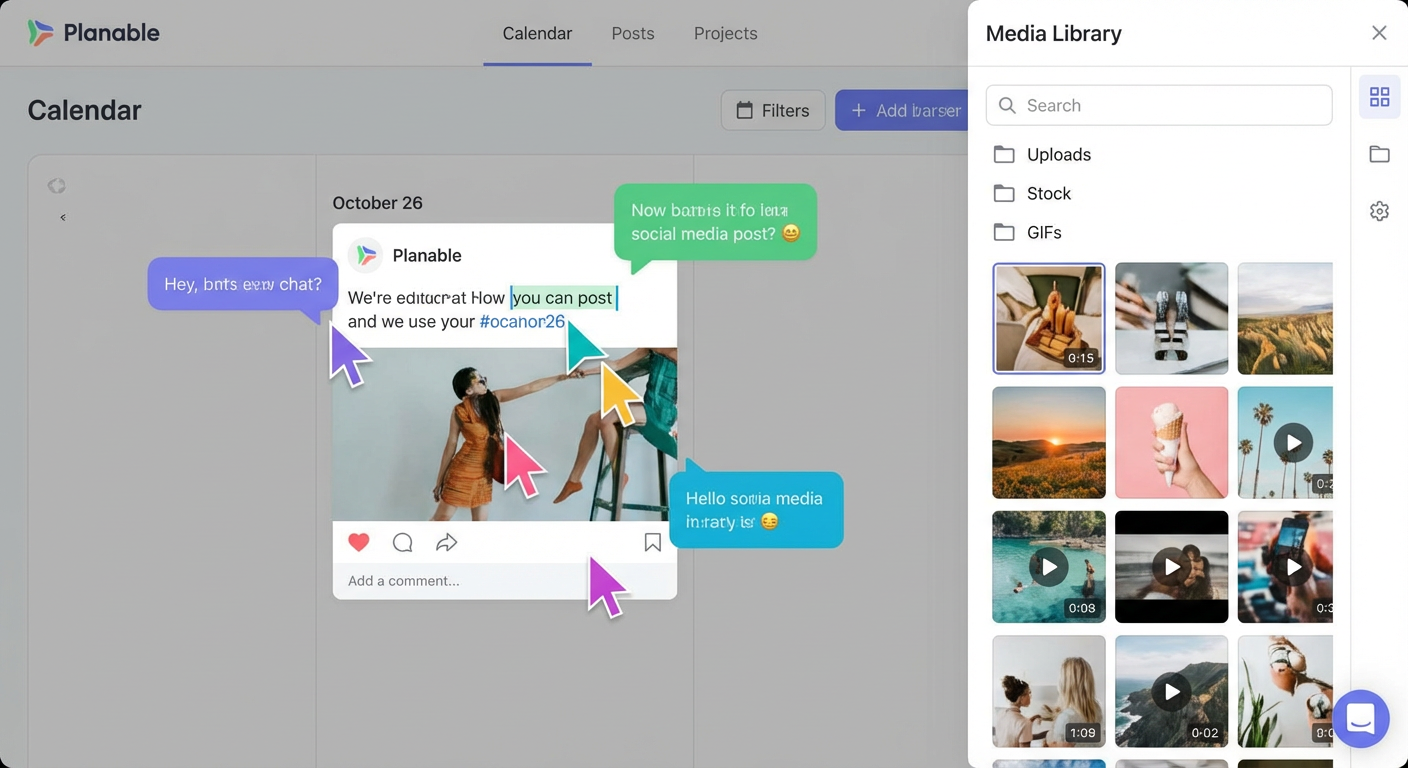
Planable is a powerhouse for content creators, offering real-time collaboration, a media asset library, and customizable approval workflows. Its user-friendly interface makes it ideal for managing content-related tasks, and its pricing starts at $33/month. What sets Planable apart is its integration of content creation with social media management, making it a versatile tool for modern teams.
Google Docs
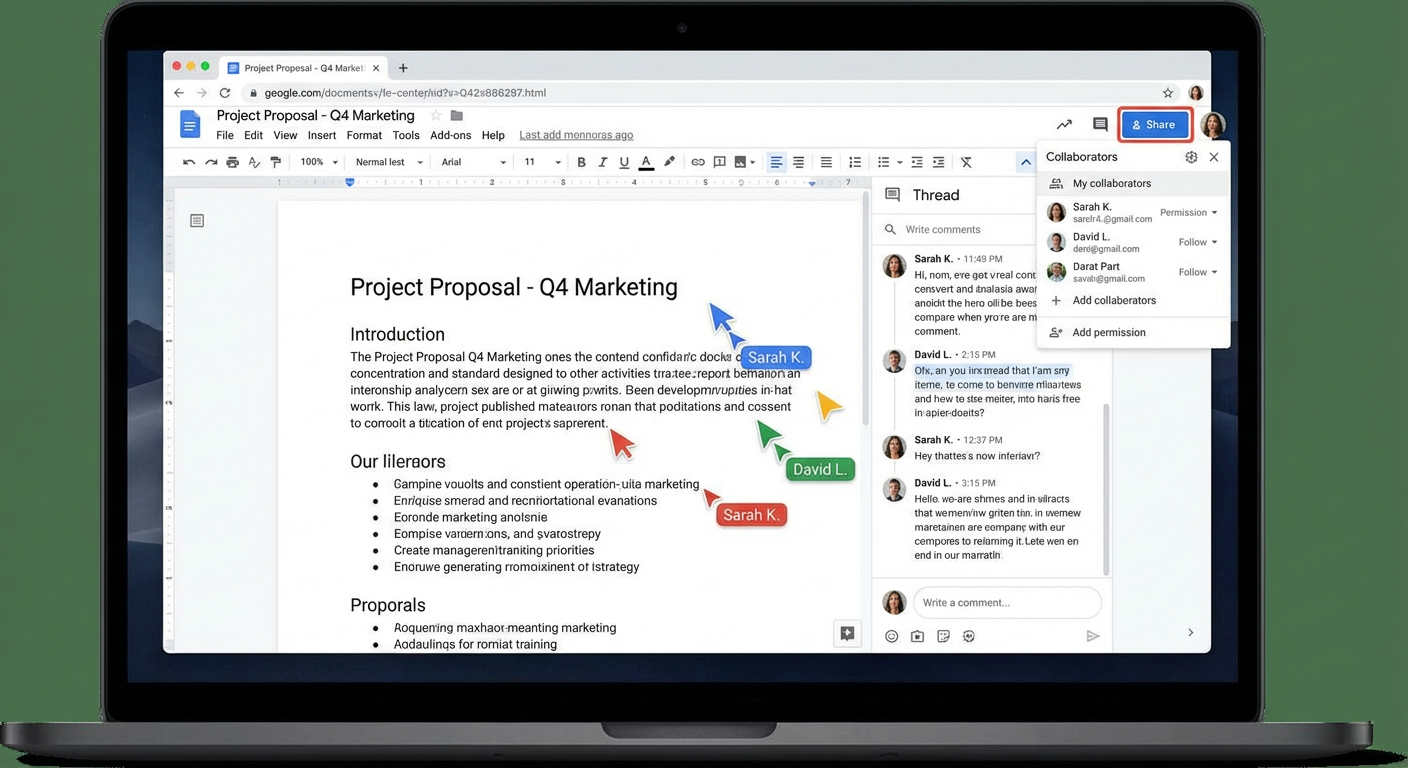
Google Docs remains a staple in collaborative writing, known for its simplicity and effectiveness in handling long-form content. With features like file-sharing, comments, and suggestions, it facilitates seamless collaboration. Google Docs is free, with paid versions starting at $6/user/month, and its extensive integration with the Google Suite makes it widely accessible.
ButterDocs
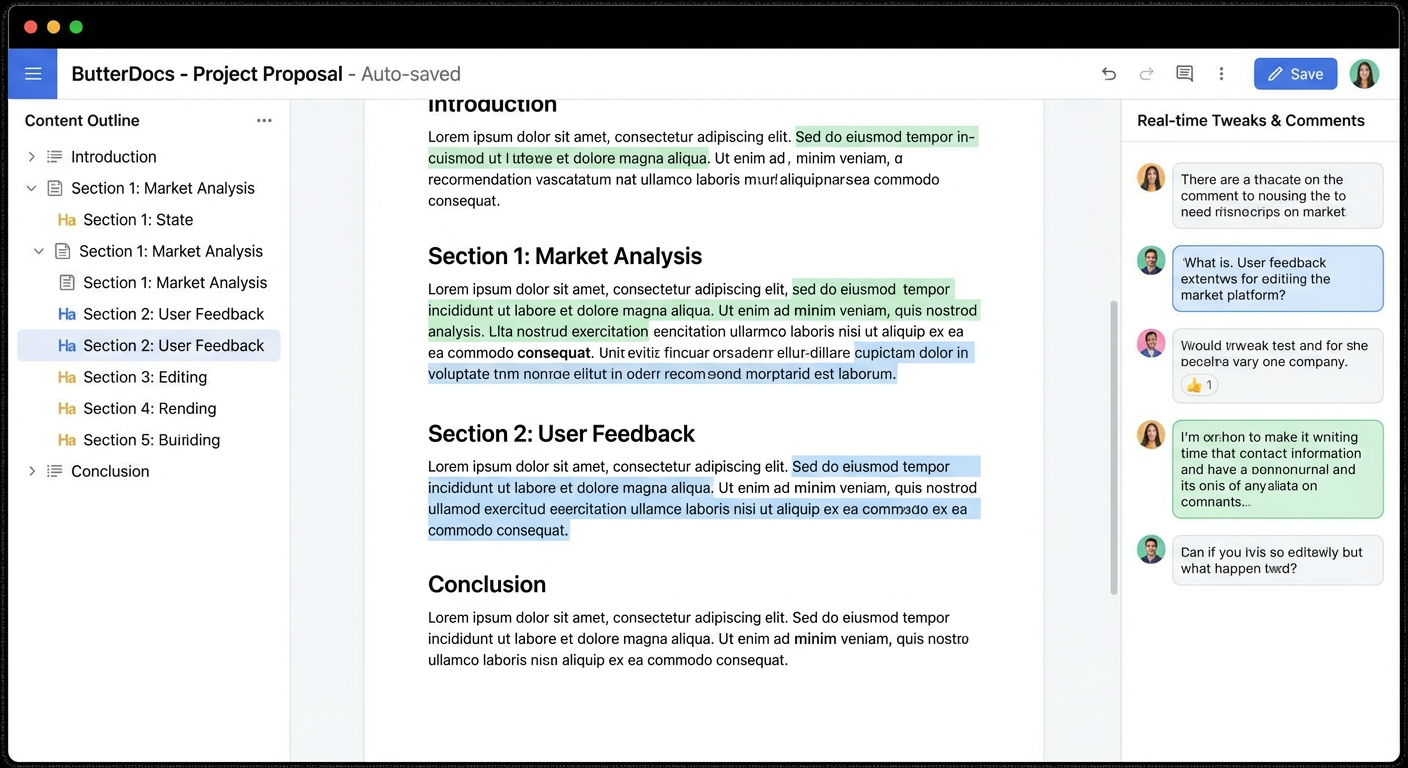
ButterDocs is designed specifically for collaborative writing and editing, offering content outlines, real-time tweaks, and status tracking. Priced at $10/month or $60/year, it focuses on enhancing writer productivity. While its integration capabilities are limited, its emphasis on productivity makes it a valuable tool for writers.
Grammarly
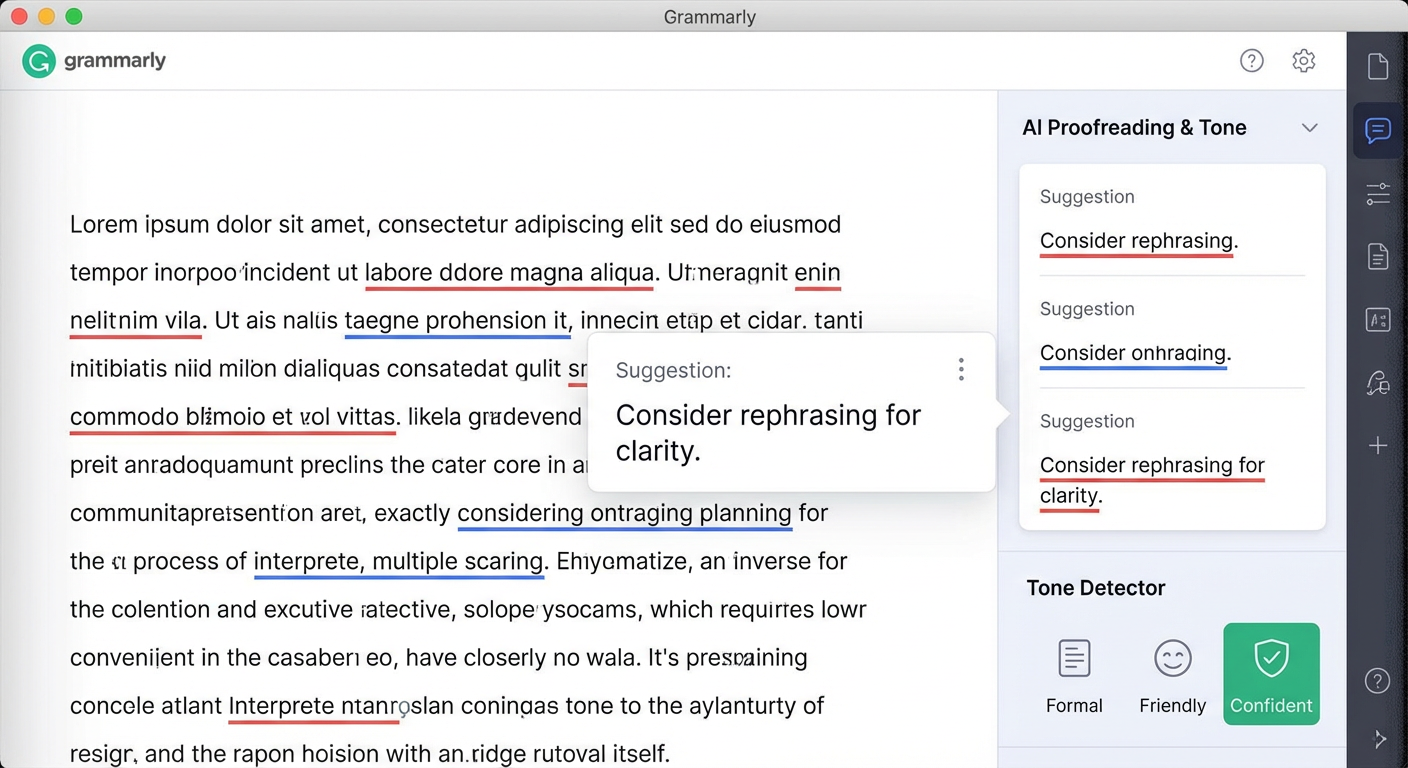
Grammarly is renowned for its AI-powered proofreading, tone adjustments, and plagiarism checks. It offers quick edits and grammar checks, starting at $12/user/month. Its comprehensive editing capabilities make it a must-have for anyone looking to polish their writing.
Jasper
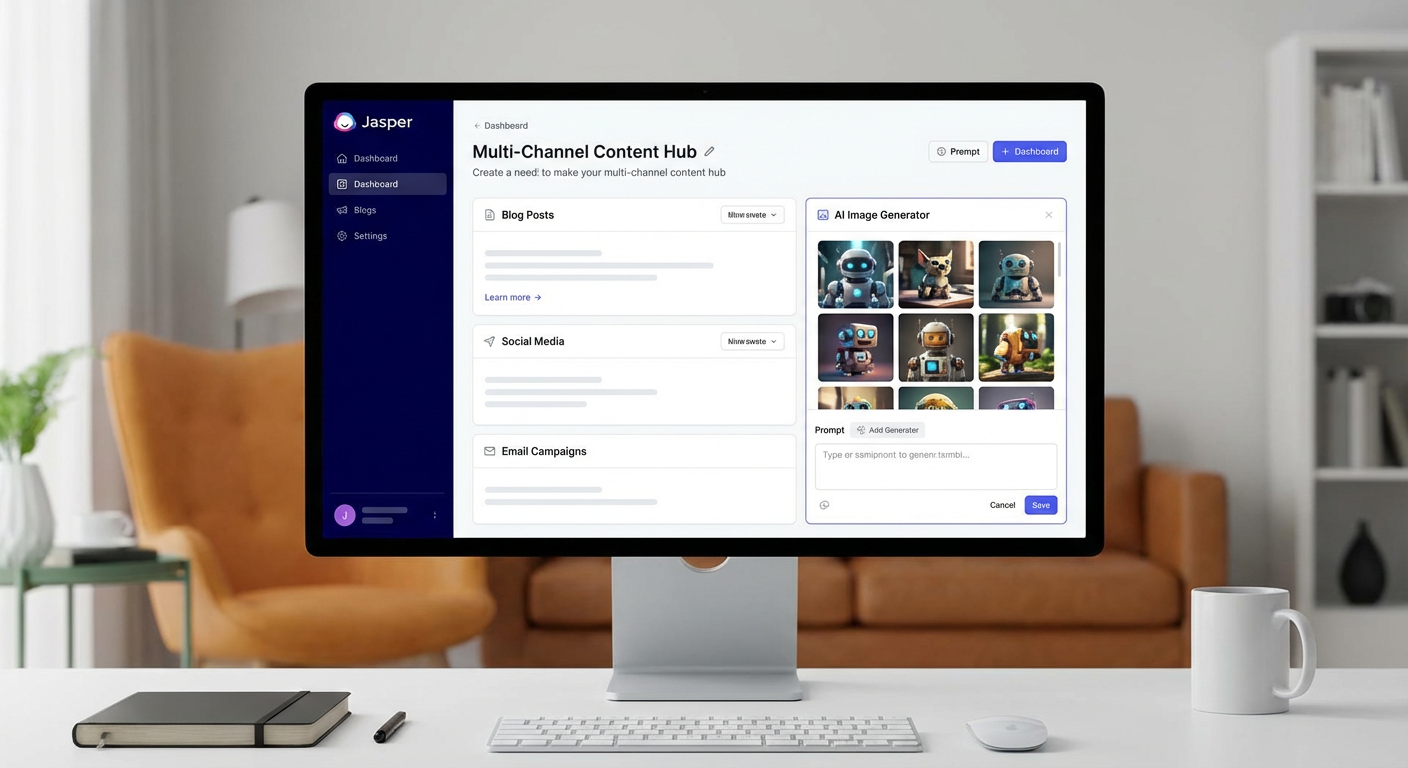
Jasper excels in multi-channel content creation and image generation, supporting various content types. With pricing from $39/user/month, it focuses on content repurposing, making it a strong contender for teams looking to maximize their content’s reach and impact.
Comparison of Key Features
| Tool | Collaboration Features | Integration Capabilities | User Feedback |
|---|---|---|---|
| Planable | High | Limited CMS integrations | Positive |
| Google Docs | High | Extensive (Google Suite) | Very Positive |
| ButterDocs | Moderate | Limited | Mixed |
| Grammarly | Low | Integrates with various platforms | Positive |
| Jasper | Moderate | Various marketing tools | Positive |
Emerging Trends in Collaborative Writing Tools for 2026
- AI Integration: Tools like Jasper and Grammarly are incorporating AI to enhance writing quality and efficiency.
- Real-Time Collaboration: Increased focus on features that allow multiple users to edit and comment simultaneously.
- Cross-Platform Functionality: Tools are increasingly integrating with other software to streamline workflows.
Conclusion
As we move further into 2026, the landscape of collaborative writing tools continues to evolve, driven by technological advancements and changing work environments. Whether you’re a content creator, editor, or team leader, these tools offer the features and flexibility needed to enhance productivity and creativity. Embrace these tools to stay ahead in the ever-competitive digital world.
SEO Strategy
- Primary Keyword: Collaborative Writing Tools 2026
- Secondary Keywords: Real-Time Collaboration, AI Writing Tools, Content Creation Software
- Meta Description: Discover the top collaborative writing tools of 2026, featuring AI integration, real-time collaboration, and cross-platform functionality.
- Suggested Image Alt Text: Futuristic workspace with collaborative writing tools.
Categories
- Buying Guides & Tips
- Comparison Guides
- Marketing Tools
- Productivity Tools
- Software Reviews
Notes for Manager
- Featured Image URL: Futuristic Workspace
- Blog Category IDs: 16, 15, 13, 1, 6
Related Posts:
 Top Budget Smartphones + Productivity App Recommendations for 2026
 Empowering Small Teams: The Future of Marketing Automation Tools in 2026
 Top Customer Retention Tools for 2026: Innovations Driving Loyalty and Growth
 Travel Planning Apps and Tools Worth Trying in 2026 — For Frequent Travellers
 National Car Rental Review 2026: Reliable Service & Friendly Staff for Stress-Free Travel
 Why AppSumo Is a Must-Visit Platform for Entrepreneurs in 2026