
Tools for Digital Art & Illustration — 2026 Picks for Artists and Designers
Introduction
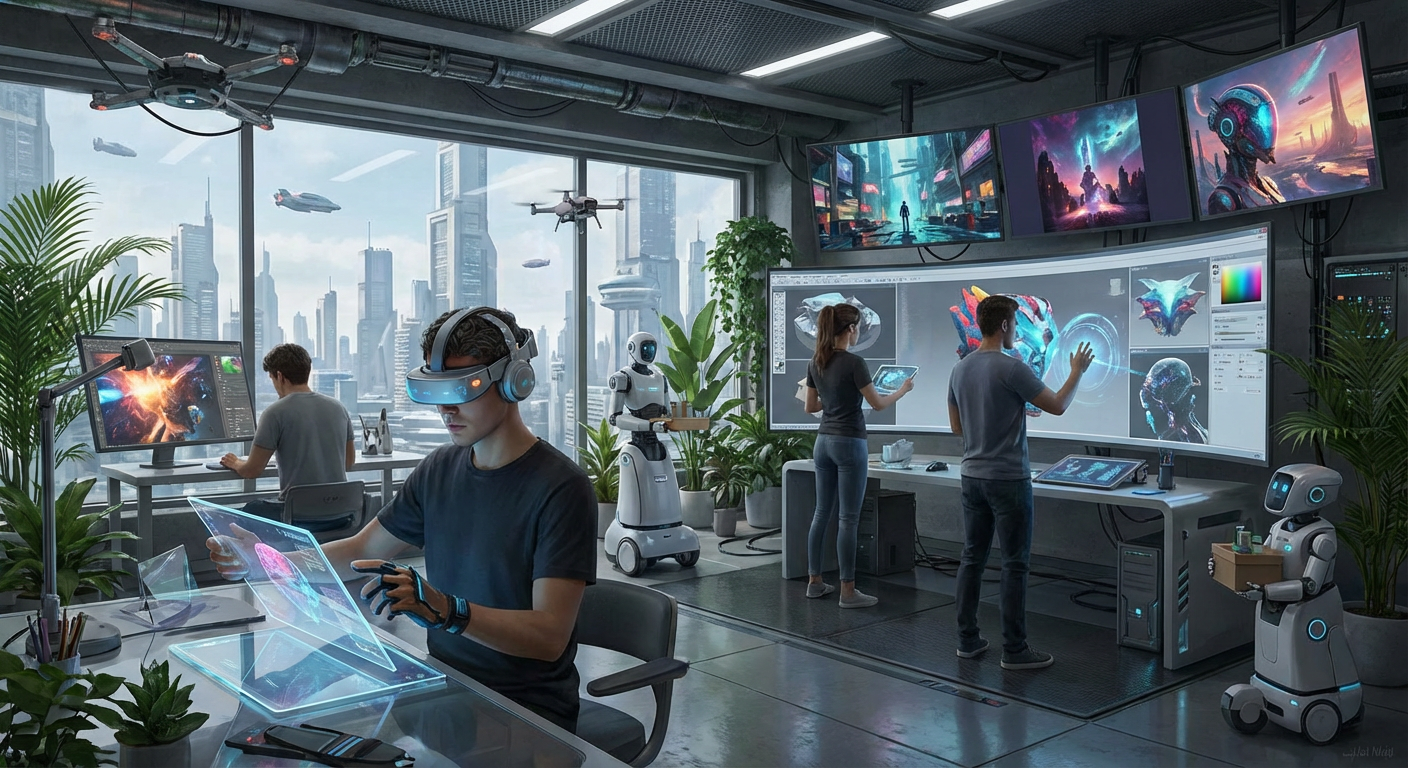
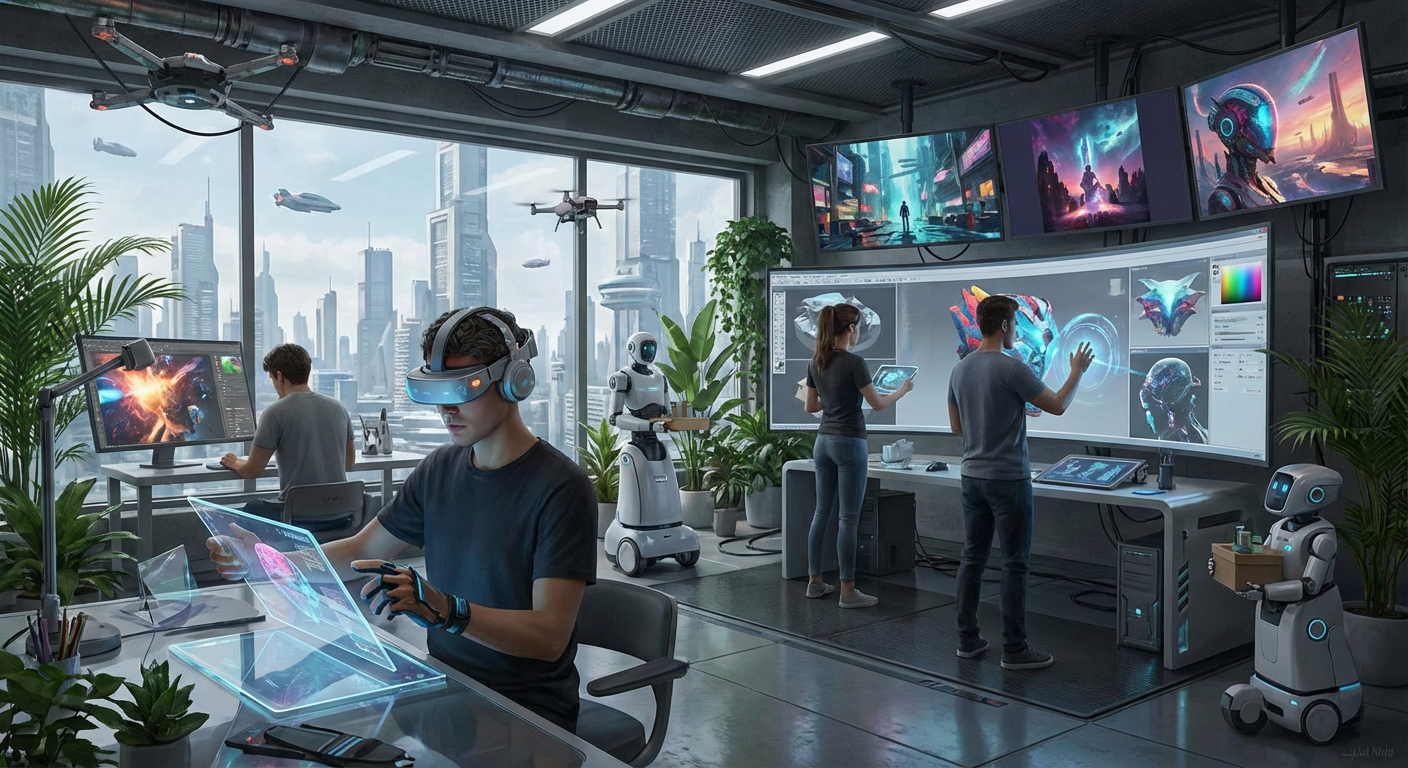
In the ever-evolving world of digital art and illustration, staying updated with the latest tools is crucial for artists and designers. As we step into 2026, a plethora of innovative software and hardware options are available, each offering unique features to enhance creativity and efficiency. This guide explores the top picks for digital art tools in 2026, including software, hardware, and emerging trends.
Software Tools
Adobe Photoshop
- Pros: Extensive editing tools, generative AI features, cloud-based.
- Cons: Subscription model, can be overwhelming for beginners.
Corel Painter
- Pros: Realistic painting experience, customizable brushes, no subscription required.
- Cons: High upfront cost, may lag on older hardware.
Clip Studio Paint
- Pros: Excellent for manga and comics, versatile drawing tools.
- Cons: Complex interface for beginners, limited asset library.
GIMP
- Pros: Free, advanced editing tools, cross-platform.
- Cons: Steep learning curve, less responsive.
ArtRage
- Pros: Realistic painting, customizable brushes.
- Cons: Can be slow, stability issues.
Rebelle
- Pros: Realistic painting simulation, designed by artists.
- Cons: Performance issues on older hardware.
Procreate
- Pros: Wide variety of brushes, affordable one-time payment.
- Cons: iOS only, limited file compatibility.
Krita
- Pros: Free and open-source, comprehensive features.
- Cons: Stability issues, lacks some advanced features.
Hardware Tools
XPPen Artist Ultra 16
- Price: £899.99
- Key Feature: 15.6″ 4K OLED display.
Wacom Cintiq 22HD
- Price: £800.00
- Key Feature: 8192 pressure sensitivity levels.
GAOMON M1220
- Price: £49.99
- Key Feature: Affordable for beginners.
HUION Kamvas 13
- Price: £179.55
- Key Feature: Android compatibility.
One by Wacom CTL-672
- Price: £68.83
- Key Feature: Lightweight and affordable.
Trends in Digital Art Tools for 2026
Emerging Trends
- Naive Design: Emphasizes childlike visuals, appealing for authenticity.
- Type Collage Design: Combines multiple fonts for bold visuals.
- Blueprint Design: Uses technical drawing elements for a unique aesthetic.
- Punk Grunge Design: Adds grit to counter overly polished digital art.
- AI Integration: Tools increasingly incorporate AI for enhanced creativity and efficiency.
User Reviews and Expert Opinions
Insights from Reviews
- Adobe Photoshop remains the industry standard, praised for its extensive features but criticized for its subscription model.
- GIMP is highlighted as the best free option, though it has a steep learning curve.
- Corel Painter is favored for its realistic painting capabilities, making it ideal for traditional artists transitioning to digital.
Comparisons
| Software/Hardware | Price | Key Features | Pros | Cons |
|---|---|---|---|---|
| Adobe Photoshop | Subscription | Extensive tools, AI features | Industry standard, versatile | Subscription model |
| Corel Painter | £399.99 | Custom brushes, realistic painting | No subscription, customizable | High upfront cost |
| Clip Studio Paint | £49.99 | Manga-focused tools | Great for comics | Complex for beginners |
| XPPen Artist Ultra 16 | £899.99 | 4K OLED display | Exceptional color accuracy | Heavy, learning curve |
| GAOMON M1220 | £49.99 | Affordable, beginner-friendly | Great value | No built-in screen |
Conclusion
The digital art landscape in 2026 is rich with tools that cater to a wide range of artistic needs and preferences. Whether you’re a seasoned professional or a budding artist, these tools offer the features and flexibility to bring your creative visions to life. Stay ahead of the curve by embracing these innovative solutions and trends.
Featured Image
Suggested SEO Keywords
- Digital art tools 2026
- Best software for digital painting
- Top drawing tablets
- Emerging trends in digital art
- User reviews digital art software
Categories
- Buying Guides & Tips (ID: 16)
- Comparison Guides (ID: 15)
- Software Reviews (ID: 6)
- Top Picks (ID: 18)
- Trending Insights (ID: 10)