
Trello Setup Guide: Everything You Need to Know

Introduction: What is Trello?
Trello is a versatile project management tool that helps individuals and teams organize tasks and projects visually. Known for its user-friendly interface, Trello uses boards, lists, and cards to streamline workflows, making it an ideal choice for both personal and professional use. Whether you’re managing a team project or planning a personal goal, Trello offers a flexible platform to keep everything on track.
Section 1: Step-by-Step Guide to Setting Up Trello for Beginners
Creating an Account and Board
To get started with Trello, visit the Trello website and sign up for a free account. Once registered, you can create your first board by clicking on the “Create new board” button. Name your board according to your project or task, and choose a background color or image to personalize it.
Adding Lists and Cards
Lists in Trello represent stages of a project or categories of tasks. To add a list, click on “Add a list” and name it accordingly. Within each list, you can create cards that represent individual tasks. Click on “Add a card” under a list to start detailing your tasks.
Customizing the Board
Trello allows you to customize your board to fit your workflow. You can drag and drop lists and cards to rearrange them, add labels for categorization, and set due dates to keep track of deadlines. Use the “Menu” on the right side to access more customization options like changing the background or enabling Power-Ups for additional features.
Section 2: Key Features of Trello and How to Utilize Them Effectively
Trello offers a range of features designed to enhance productivity:
- Inbox: A centralized place to view all notifications and updates.
- Planner: Integrates with your calendar to schedule tasks.
- Automation: Use Butler to automate repetitive tasks and workflows.
- Power-Ups: Enhance your board with additional functionalities like calendar views, voting, and integrations with other apps.
- Templates: Use pre-made templates to quickly set up boards for common workflows.
Section 3: Tips and Tricks for Optimizing Trello for Personal and Team Productivity
Collaboration Features
Trello excels in team collaboration. Invite team members to your board, assign tasks, and communicate through card comments. Use labels to categorize tasks by priority or department, and checklists to break down tasks into smaller steps.
Advanced Features
Leverage Trello’s advanced features like automation to save time. Set up rules to automatically move cards between lists or assign tasks based on triggers. Power-Ups can also be used to integrate Trello with tools like Slack, Google Drive, and more, enhancing its functionality.
Section 4: Common Challenges Faced by New Users and How to Overcome Them
New users often face challenges such as disorganization, task overload, and integration issues. To overcome these:
- Disorganization: Regularly review and update your boards to keep them organized.
- Task Overload: Use labels and due dates to prioritize tasks and manage workload.
- Integration Issues: Explore Trello’s Power-Ups and third-party integrations to ensure seamless connectivity with other tools.
Section 5: Latest Updates or Features in Trello as of 2025
As of 2025, Trello has introduced several new features:
- AI Features: Enhanced task suggestions and automation capabilities.
- Planner Integration: Improved calendar and scheduling functionalities.
- Task Management Enhancements: New views and filters for better task management.
Conclusion + CTA
Trello is a powerful tool for organizing tasks and projects, whether you’re working solo or with a team. Start using Trello today to explore its features and enhance your productivity. Sign up now and transform the way you manage your tasks!
SEO Strategy
Primary Keyword: Trello setup guide
Secondary Keywords: Trello for beginners, Trello features, Trello productivity tips, Trello updates 2025
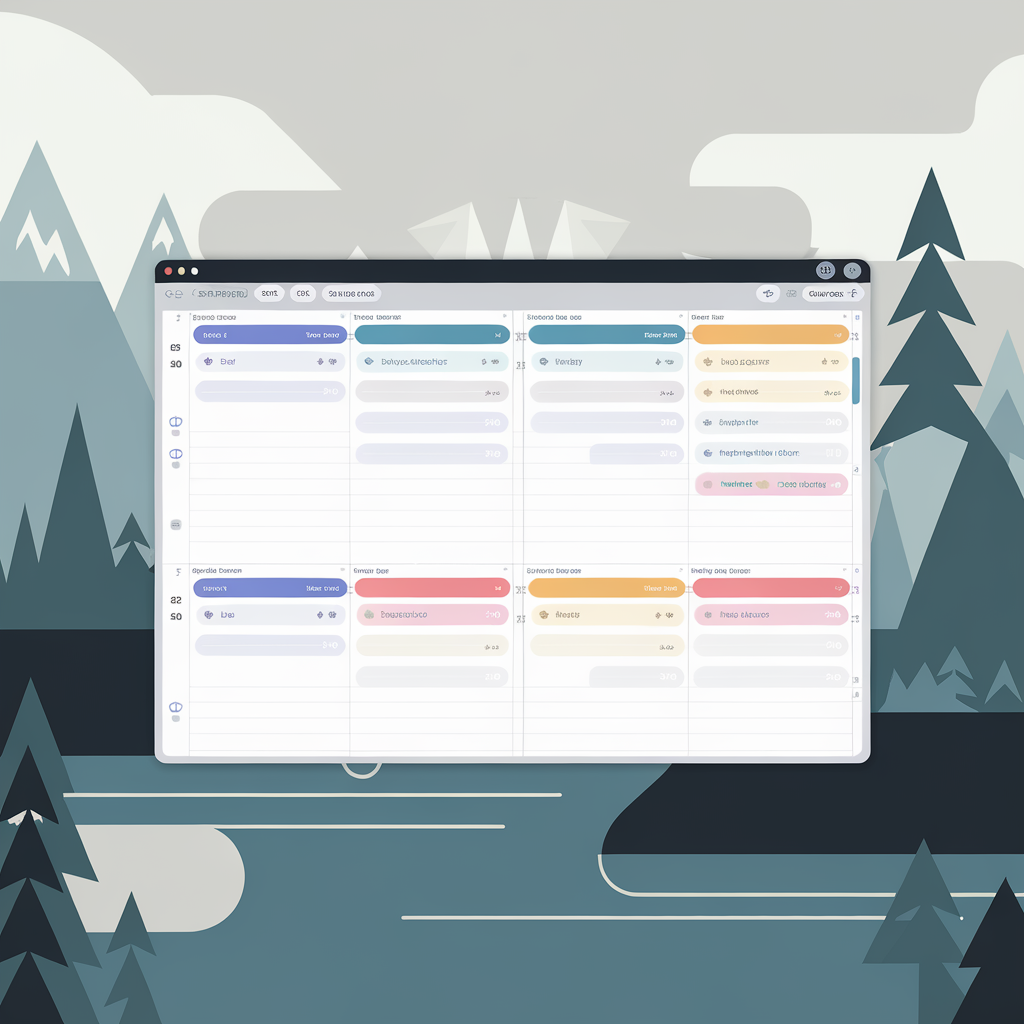
Suggested Image Alt Text: Trello board on a computer screen showing lists and cards.
Categories
- Productivity Tools (ID: 1)
- Latest 2025 (ID: 14)
- Software Reviews (ID: 6)