
Webflow Setup Guide: Everything You Need to Know

Introduction: What is Webflow?
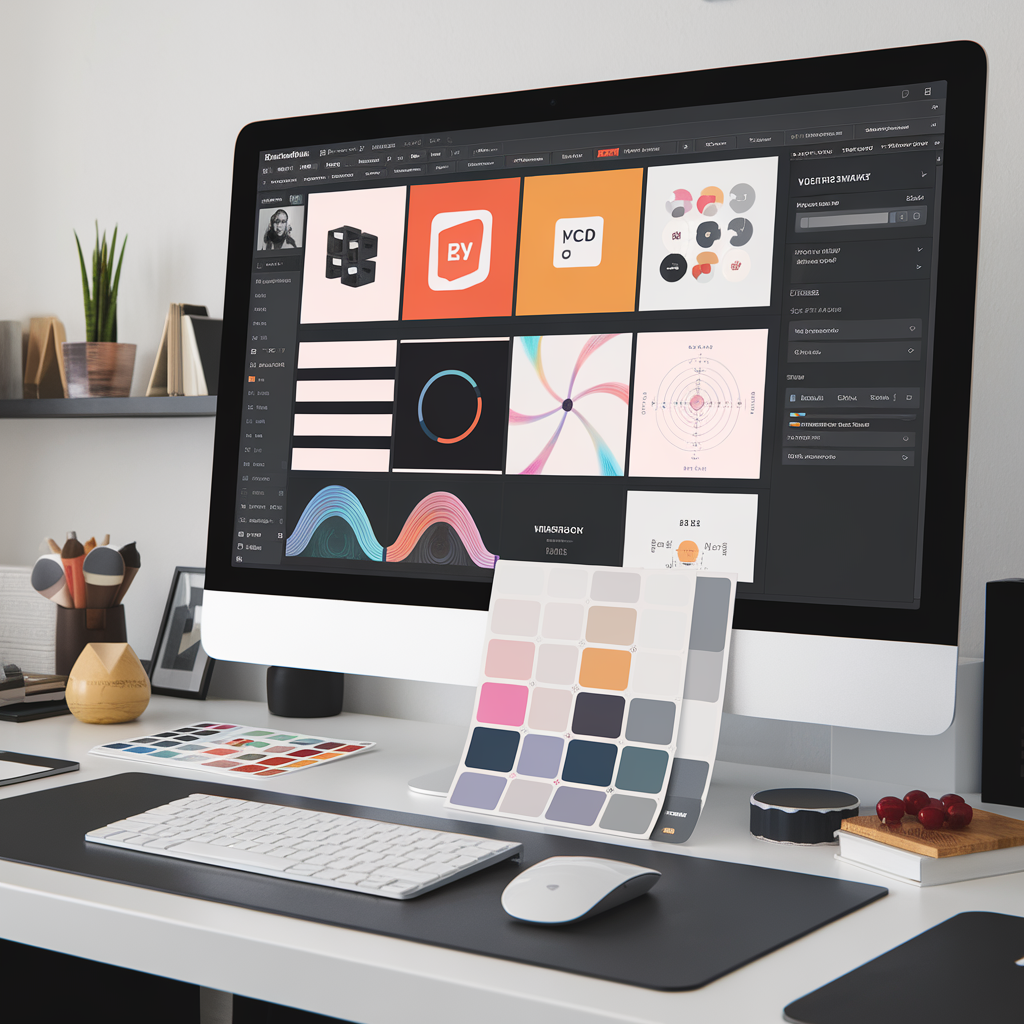
In the ever-evolving world of web design, Webflow stands out as a powerful tool that bridges the gap between design and development. It offers a platform where creativity meets functionality, allowing users to create stunning websites without writing a single line of code. With customizable templates and responsive design capabilities, Webflow empowers both beginners and seasoned designers to bring their visions to life effortlessly.
Section 1: Step-by-Step Guide to Setting Up a Webflow Account
Creating a Webflow account is the first step towards building your dream website. Here’s how you can get started:
- Visit Webflow’s Website: Navigate to Webflow’s homepage and click on the “Get Started” button.
- Sign Up: You can sign up using your email address or through Google. Fill in the necessary details and verify your email.
- Select a Template: Webflow offers a variety of templates. Choose one that aligns with your website’s purpose.
- Explore the Interface: Familiarize yourself with the dashboard, which includes the Designer, CMS, and other tools.
Section 2: Key Features and Tools Available in Webflow
Webflow is packed with features that cater to diverse web design needs:
- Designer: A visual canvas that allows you to design with precision.
- CMS: Manage your content effortlessly with Webflow’s Content Management System.
- eCommerce: Set up an online store with ease, complete with payment gateways and inventory management.
- Hosting: Enjoy fast and reliable hosting with Webflow’s global CDN.
Section 3: Tips for Designing and Publishing a Website Using Webflow
Designing a website with Webflow is both intuitive and flexible. Here are some tips to enhance your design process:
- Customize Templates: Use Webflow’s drag-and-drop feature to modify templates to suit your brand.
- Add Interactions: Make your website dynamic by adding animations and interactions.
- Ensure Responsiveness: Test your design on different devices to ensure it looks great everywhere.
Section 4: Common Challenges and Solutions When Using Webflow
While Webflow is user-friendly, you might encounter some challenges:
- Template Selection: Choose a template that closely matches your needs to minimize customization time.
- Responsive Design: Use Webflow’s built-in tools to adjust layouts for different screen sizes.
- Learning Curve: Take advantage of Webflow University for tutorials and resources.
Section 5: SEO Best Practices Specific to Webflow
Optimizing your website for search engines is crucial. Here’s how Webflow can help:
- Meta Tags: Easily edit meta titles and descriptions for each page.
- Alt Text for Images: Add descriptive alt text to images to improve accessibility and SEO.
- SEO Tools: Use Webflow’s built-in SEO tools to analyze and enhance your site’s performance.
Conclusion + CTA
Webflow is a versatile platform that simplifies the web design process while offering powerful tools for customization and optimization. Whether you’re a beginner or an experienced designer, Webflow provides the resources you need to create a professional website. Ready to start your Webflow journey? Sign up today and transform your web design dreams into reality.